v1.0.0bBetaFree during betaWindowsAndroidOpen source
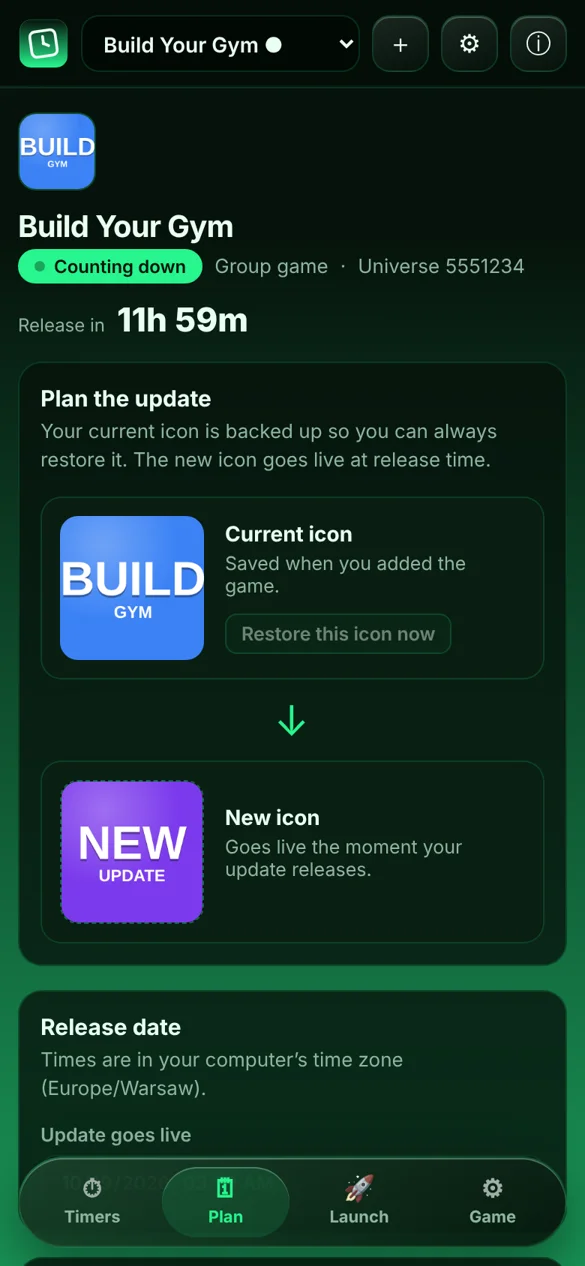
Your game's icon (and name) counts down to your next update, from 12 hours to 1 hour to release. You design the icons and RoIcon swaps them at the right time.
RoIcon is completely free while it's in beta. In the future it will become a paid app. Found a bug? Message me on Discord at ogkonopsiakk or email contact@konopsiakk.online.
take a look
see it in action.
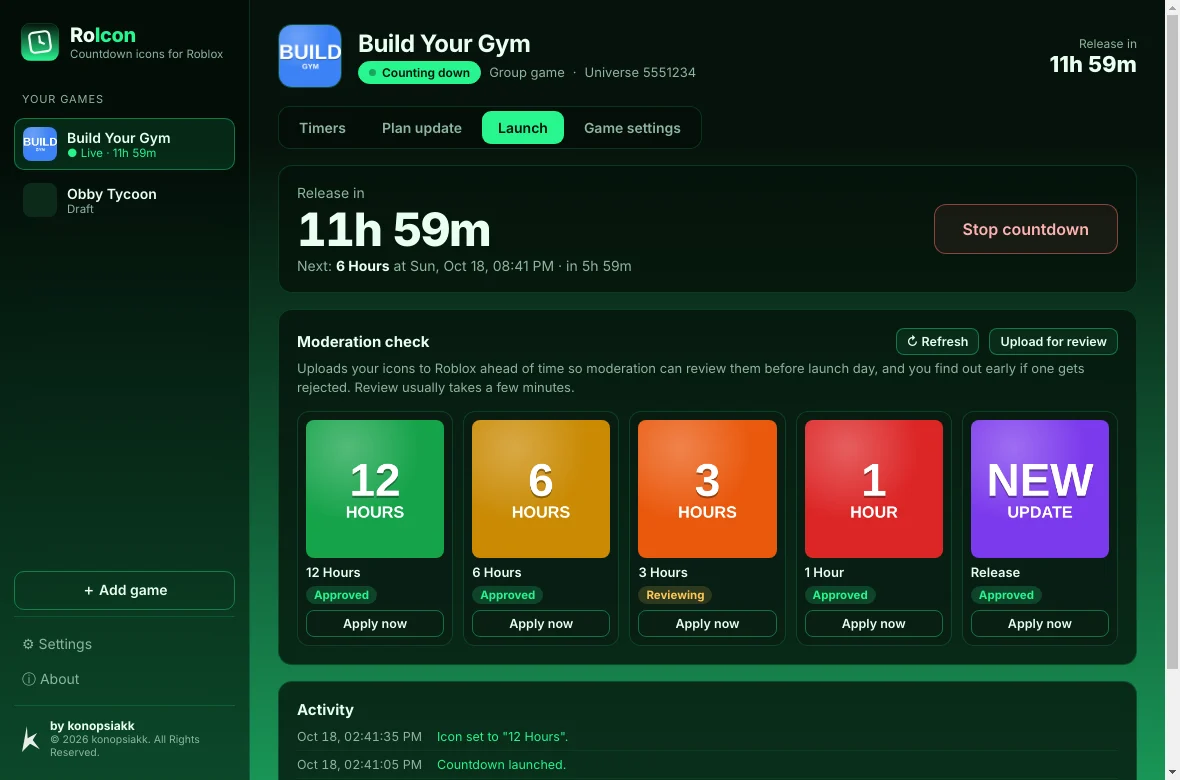
The Launch screen: a live countdown, moderation status for every icon and an activity log.
Live countdown
Your timers
Plan the update
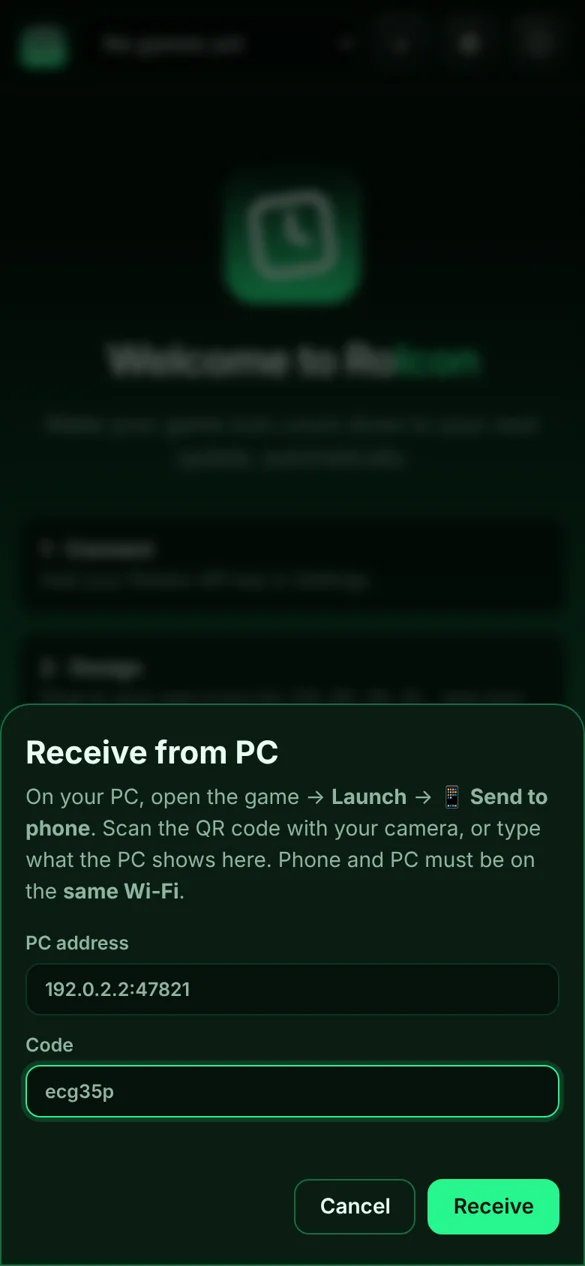
Receive from PC
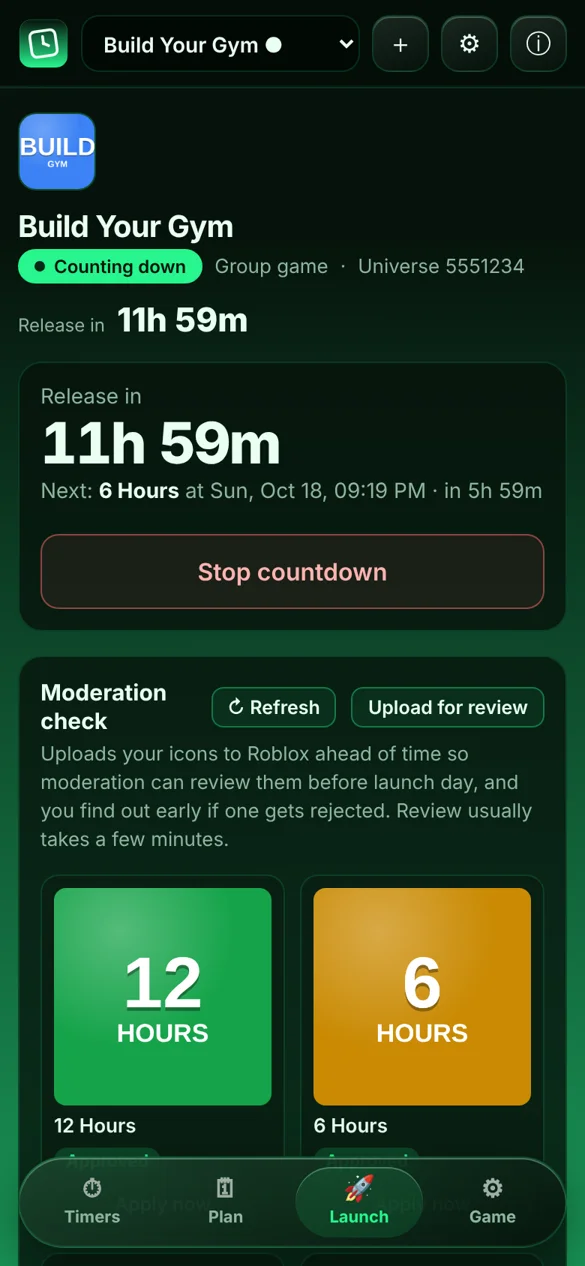
The full app on your phone. Swaps happen on time even when the app is closed.
features
set it, forget it.
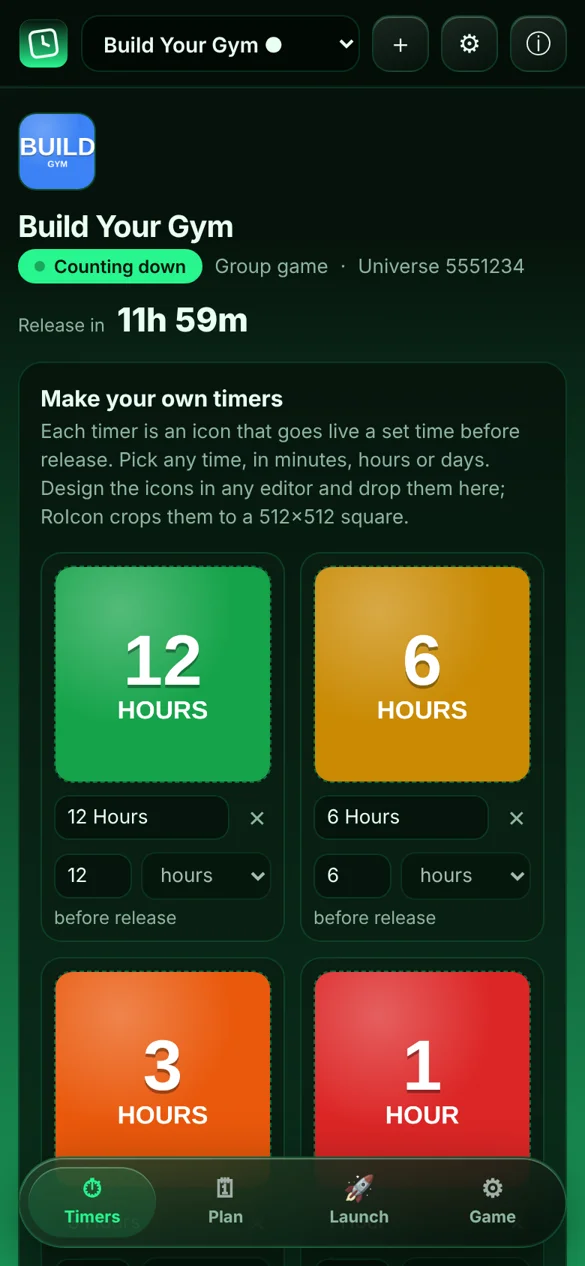
Your own timers
Pick any times, in minutes, hours or days: 2d, 12h, 4h, 30m, 10m. Give each one an icon, or leave it name-only.
Set icon from file
Need a new icon right now? Pick an image and RoIcon uploads it as your game's icon instantly, no countdown needed.
Name countdown
Optionally renames your game too, e.g. My Game [30 Minutes] → My Game [UPDATE].
Moderation check
Uploads your icons for review ahead of time, so you find out before launch day if one is rejected.
Runs in the background
On Windows it lives in the tray. On Android it swaps on time even with the app closed and the phone locked.
PC → phone handoff
Plan on your PC, scan its QR code with RoIcon's built-in scanner, and your phone takes over the countdown. Then you can turn the PC off.
Catches up & retries
If your PC was asleep, it jumps to the right icon when it wakes. If Roblox fails, it retries.
Your logins stay yours
Your API key and login cookie are encrypted on your own device and only ever sent to Roblox. Never to us, never anywhere else.
01
Connect
Create a Roblox API key and paste it in. RoIcon checks its permissions for you.
02
Design
Drop in your own countdown icons and the new icon for release day.
03
Launch
Set the release time, hit Launch and let RoIcon handle the rest.
download · v1.0.0b
get RoIcon.
Free during beta. No account and no sign-up.
Windows installer
For Windows 10 and 11 (64-bit). Run it and follow the steps.
Not a virus. It's open source. The full source code is right here, so anyone can check exactly what RoIcon does. It only talks to Roblox's official servers (and, for a handoff, to your own PC on your Wi-Fi). It never asks for your password, and your API key and login cookie stay encrypted on your own device. The SHA-256 codes let you confirm your download wasn't changed.
faq
good questions.
Is RoIcon safe?
Yes. It's open source, so you can read the full code above. Name changes use an official Open Cloud API key you create yourself. Roblox only lets the main icon be changed while logged in, so for icons RoIcon also needs a login cookie. It's encrypted on your device and only sent to Roblox. For extra safety, use an alt account in your group with only “Edit experiences”, so the cookie can only touch your games.
Why does RoIcon need a login cookie?
Roblox's API-key endpoint for icons only changes the translated icons for other languages, not the main one. The main icon can only be changed while logged in, the same way the Creator Dashboard does it. That's what popular open-source tools like Mantle do too. RoIcon walks you through it in Settings → Icon access.
Why does Windows show a warning?
Windows SmartScreen warns about any app that isn't signed with a paid code-signing certificate. Click More info → Run anyway. You can also check the SHA-256 code, or build the app yourself from the source.
Which API key do I need?
A User API Key, even for group games, because Group API keys can't use the icon permission. Add legacy-universes → manage, universe.place → write (with a dot) for name changes, and optionally assets → read + write. The app has a step-by-step guide and a Check key permissions button.
Does my PC need to stay on?
No. Click 📱 Send to phone on the PC, then in the phone app tap 📲 Receive from PC → 📷 Scan QR code, and the phone takes over the countdown. If you keep it on the PC, leave RoIcon running (the tray is fine). It catches up if the PC sleeps.
How do I install the Android app?
Download the .apk on your phone and open it. Android asks you to allow installing apps from your browser; allow it and tap Install. RoIcon isn't on the Play Store yet, so Play Protect may warn you; tap More details → Install anyway. The source code is above if you want to check it first.
Will swaps happen if my phone is locked?
Yes. RoIcon uses Android's alarm-clock timer, which fires on time even in battery saver. You'll see a small alarm icon while a countdown is running. For best results, set RoIcon's battery usage to Unrestricted (the app's Settings shows a button for it).
Is it free?
Yes, completely free while in beta. RoIcon will become a paid app in the future.
I found a bug. What do I do?
Message me on Discord at ogkonopsiakk or email contact@konopsiakk.online. Screenshots of the Activity list help a lot.
contact & bug reports
let's talk.
Bugs, feedback or ideas for RoIcon. I reply fastest on Discord.